Blackline
A controlled document transfer channel for records that should not remain in circulation.
Blackline gives businesses, individuals, investigators, law firms, and risk teams a way to release sensitive documents through a controlled access path instead of sending files by email, unmanaged links, or ordinary shared folders.
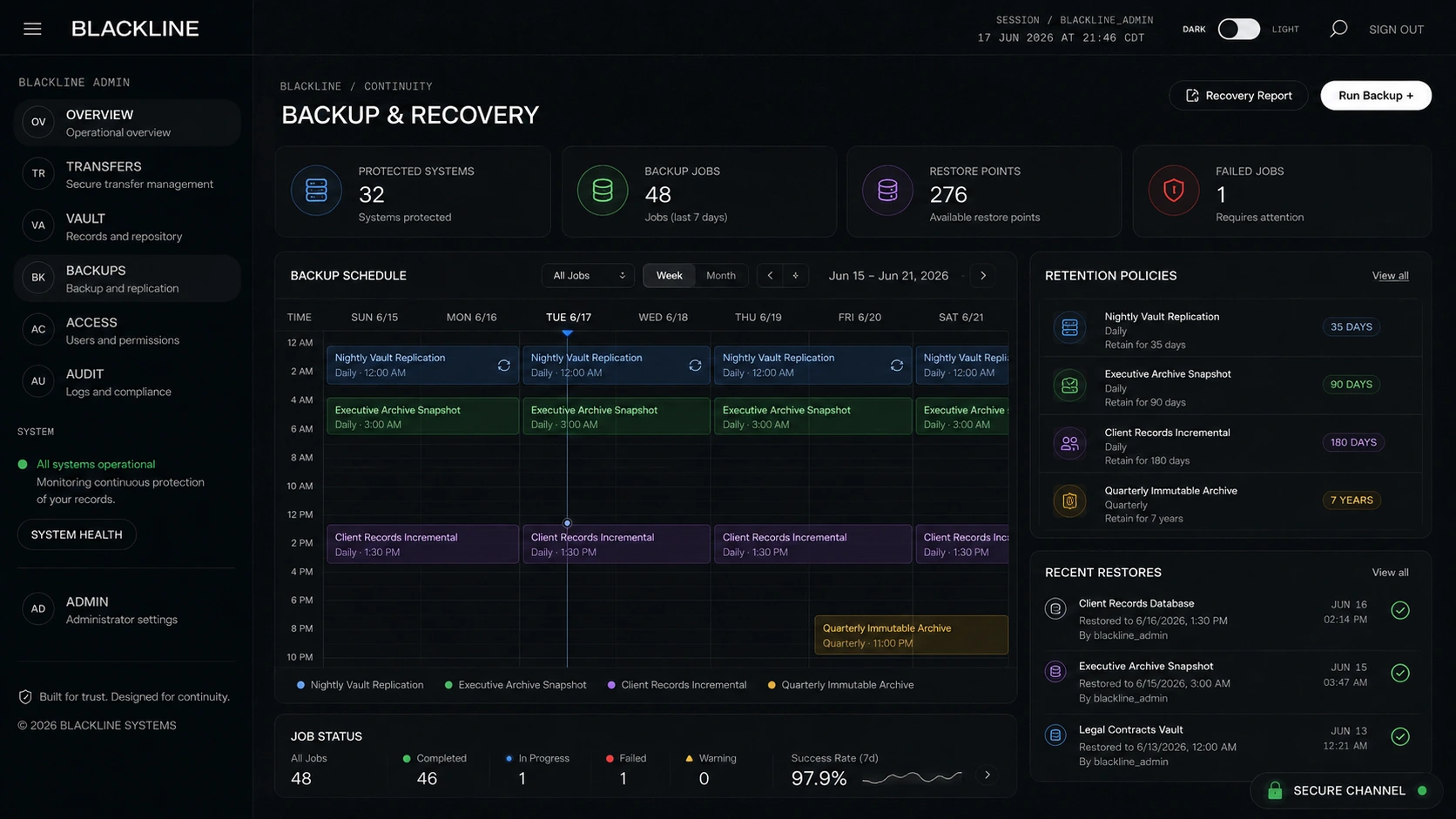
Not an attachment. Not a folder. A controlled release point.
Blackline exists for the moment when a document has to move, but should not continue living inside every system that touched it.
Standard email attachments create uncontrolled copies. Shared drives leave records sitting behind persistent links. Consumer cloud tools often preserve preview copies, thumbnails, notification history, and access surfaces that outlive the actual need to transfer the file.
Blackline is designed around a different principle: the document lives with the sender, enters a controlled transfer environment briefly, releases once to the recipient, and is then removed from Blackline. The system preserves the custody record, not an unnecessary standing copy of the file.
The document should only exist where control is clear.
Blackline is built around temporary possession, one-time release, and closure.
The system does not email the document. It sends an access path. The recipient verifies access, initiates the release, and receives the file. Blackline then closes the transfer record and deletes the stored transfer copy from the Blackline environment.
How Blackline controls the handoff.
A document enters the transfer environment, releases once, and is removed after recipient access.

One release path. One recipient action. One closed transfer.
Sender creates the transfer.
The sender uploads a PDF into Blackline, names the document for internal tracking, assigns the recipient, and creates the transfer record.
Blackline stores the file outside public access.
The uploaded file is encrypted and stored outside the public web root. The original document is not directly accessible by URL and is not sent as an email attachment.
The recipient receives a secure transfer notice.
The recipient receives an email that contains a one-time access path. The email identifies the transfer reference and sender, but does not contain the protected document.
Access is confirmed before release.
The recipient requests a short-lived access code and verifies that code before the release screen is shown.
The document is downloaded once.
Once the recipient initiates download, Blackline streams the document and marks the transfer as released.
Blackline removes its transfer copy.
After release, the encrypted Blackline copy is deleted from the transfer environment. The transfer link no longer provides access.
Most document sharing leaves residue.
Sensitive records do not just move. They multiply.
A single file sent by email may persist inside sent mail, recipient mail, forwarding chains, mobile mail clients, cloud mail archives, endpoint search indexes, and backup systems. A shared link may remain active longer than intended. A cloud folder may preserve access after the original business need has passed.
Blackline limits that exposure by treating the transfer environment as temporary. It is not designed to become the long-term home for the document. It is designed to control release, record the event, and remove the Blackline copy when the release is complete.
Email attachments
Attachments create uncontrolled copies and often remain inside mailboxes, archives, and sync clients long after the intended handoff.
Shared links
Links can persist, be forwarded, be cached, or remain active past the original need unless actively managed and audited.
Ordinary storage
Storage platforms are designed to retain and organize files. Blackline is designed to release once and close the transfer.
Built for controlled movement, not casual sharing.
- Sender account access for controlled transfer creation.
- Recipient invite by email without attaching the document.
- Short-lived access code before release.
- Encrypted storage outside public web access.
- One-time download release.
- Automatic removal of the Blackline transfer copy after release.
- Transfer status tracking for sender-side visibility.
- Custody event logging for creation, access, verification, release, and closure.
- Expiration windows for transfers that are not accessed.
- Private deployment model for organizations that need the transfer point inside their own infrastructure.
Blackline can operate as a hosted quick-send channel or as a private agency deployment.
Blackline Quick Send
Hosted by Aerellus
Quick Send is used when a client needs to move a sensitive document through an Aerellus-controlled transfer point. The file briefly enters the Aerellus/ Blackline environment, releases once to the recipient, and is removed after access.
This mode is appropriate for one-off sensitive transfers, urgent document movement, individual users, small organizations, and clients that do not maintain their own Blackline deployment.
Blackline Private Deployment
Operated on the agency or client server
In private deployment, Blackline is installed into the client or agency environment. The transfer point is operated by that organization, not by Aerellus. Aerellus does not need to receive, retain, or intermediate the document.
This mode is suited for investigative agencies, law firms, security firms, corporate risk teams, and organizations with recurring sensitive document movement requirements.
Blackline Managed Deployment
Private custody with technical support
Managed deployment preserves the private custody model while allowing implementation, configuration, and technical support to be handled under a service arrangement.
The agency or client remains the custody operator. The infrastructure, transfer records, and release environment stay within the deployment boundaries selected for that organization.
Designed for records that carry consequence.
Investigations
Transfer reports, supporting documents, identification records, evidence-adjacent materials, intake packages, and sensitive communications without relying on ordinary email attachments.
Law Firms
Move client documents, matter records, signed PDFs, settlement materials, discovery-adjacent files, and confidential correspondence through a controlled release path.
Business Continuity
Preserve access to documents needed during transitions, disputes, operational disruptions, insurance events, incidents, or leadership changes.
Security and Risk Teams
Release incident records, vendor documents, compliance material, assessments, and internal reports through a temporary transfer environment.
Individuals and Families
Transfer legal records, estate files, identification documents, insurance materials, financial files, and personal records that should not be left circulating by email.
Trusted External Handoffs
Send records to attorneys, investigators, consultants, auditors, insurers, family offices, advisors, or designated recipients without creating a persistent shared folder.
Blackline is
- A controlled transfer channel.
- A temporary release environment.
- A custody-aware document movement system.
- A way to reduce uncontrolled document residue.
- A deployable capability for agencies and organizations.
Blackline is not
- A generic cloud drive.
- A replacement for all archival storage.
- A mass file-sharing folder.
- An email attachment workaround.
- A permanent repository for every document that passes through it.
Security is a sequence, not a label.
Blackline’s value comes from reducing how long the document remains exposed inside the transfer environment.
The system is designed to avoid direct public file URLs, avoid email attachments, restrict release to a verified recipient flow, and remove the Blackline transfer copy after access. In private deployment, the agency or client operates the transfer infrastructure directly.
The result is a smaller transfer surface and a clearer custody story: sender control, temporary transfer control, recipient control, closed record.
Access
The recipient receives an invitation and confirms access through a short-lived code before release.
Storage
Transfer files are encrypted and stored outside public web access during the release window.
Closure
After download begins, Blackline closes the access path and removes its stored transfer copy.
Transfer control supports record continuity.
Blackline began with a simple operating problem: important records often move through weak channels because the available tools are convenient, not because they are appropriate.
For some clients, Blackline functions as a secure quick-send channel. For recurring users, it can support a broader continuity model around document movement, backup posture, access policy, and organizational control.
The core question remains the same in every deployment: where does the document live, who controls it, how is it released, and what remains after the transfer is complete?